MiniMax H3 Image Generator & Multi-Reference Studio

Run the MiniMax H3 Image generator (16MP · 6-Step) and Pruna P-H3-Image (8MP · 8-Step) directly in your browser without downloading 135GB of weights or provisioning a 21GB VRAM GPU. Create photorealistic stills, character sheets, and multi-reference edits in seconds.

Model

Verified MiniMax H3 Image Generator Benchmarks

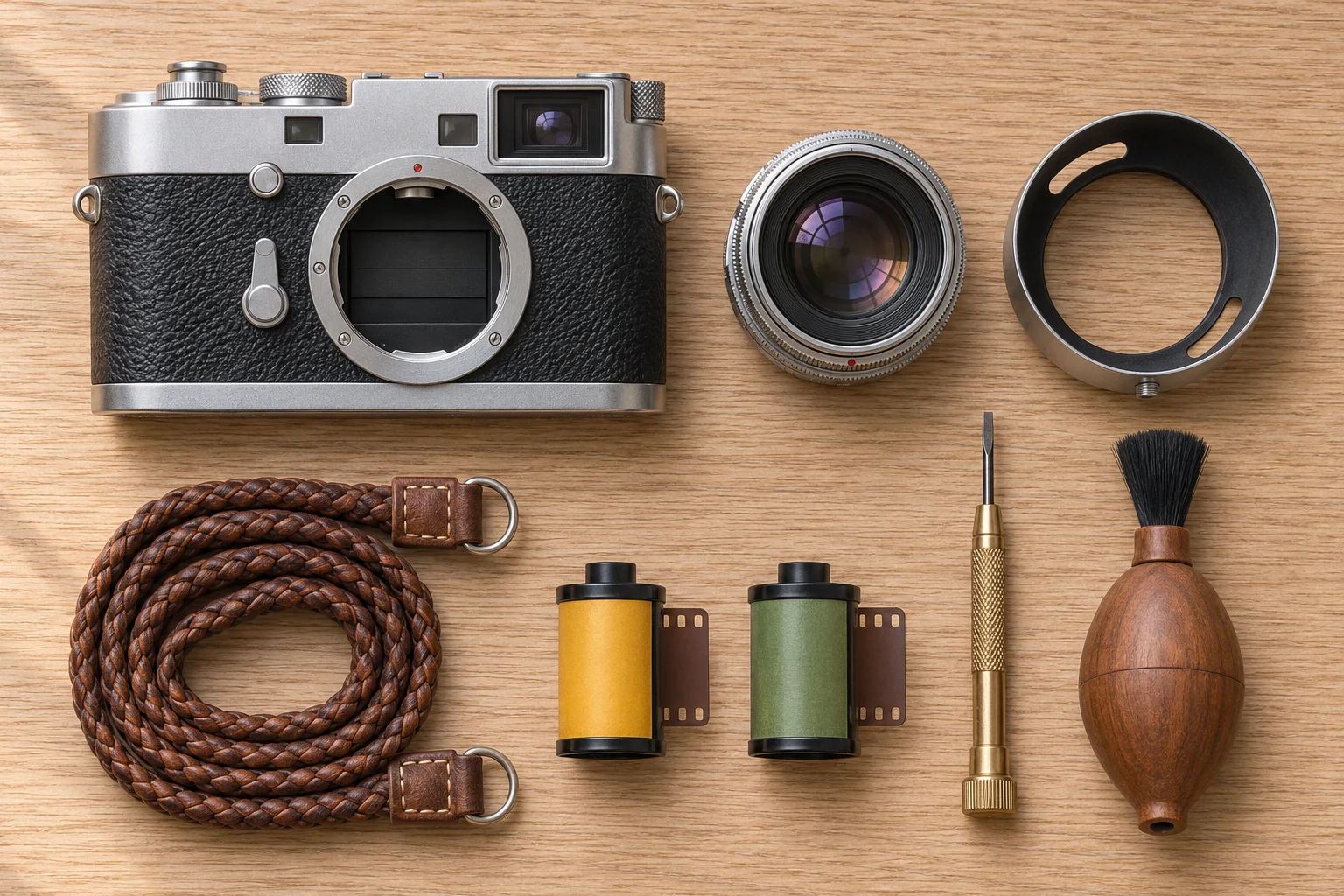
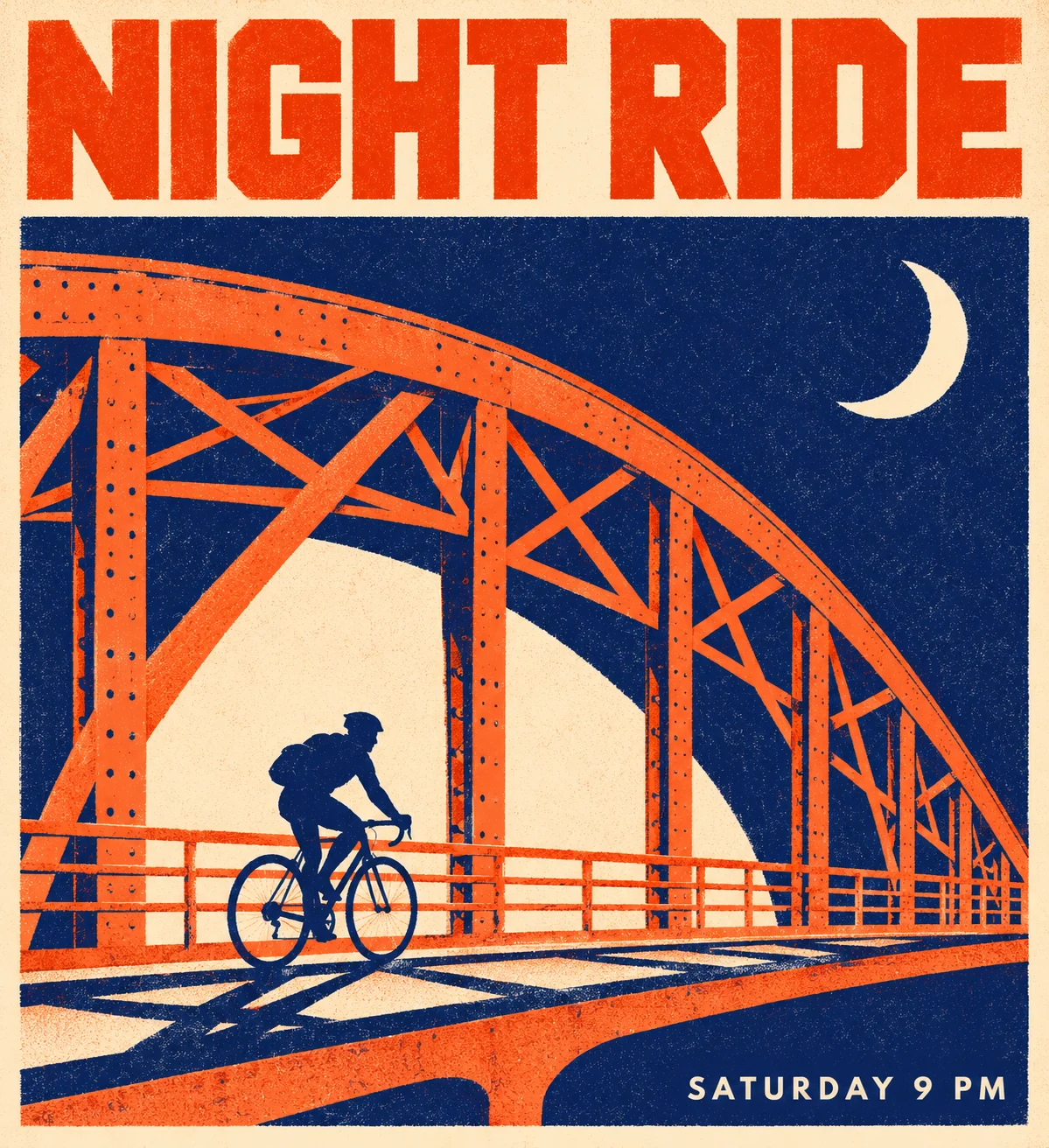
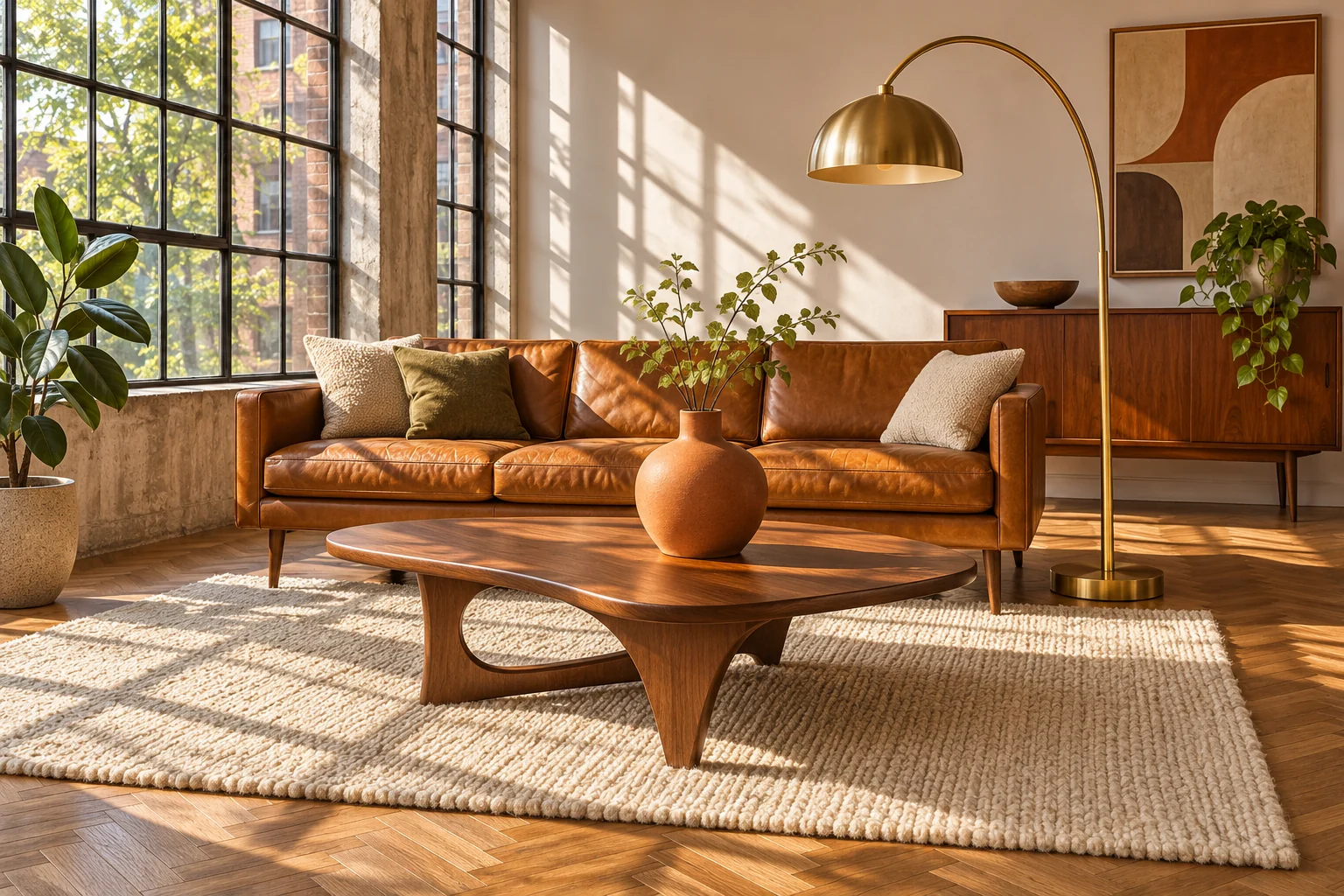
Six production workflows tested on the 33.1B DiT checkpoint: character turnarounds, multi-reference interior staging, 3D clay whitebox renders, knolling flat-lays, street portraits and quoted poster typography.

Unified 16MP Generation & Reference-Locked Editing

One 33.1B diffusion transformer architecture for 6-step synthesis and multi-reference editing — built for creators who want MiniMax H3 Image generator quality without ComfyUI setup.

6-Step Native 16MP Synthesis

The MiniMax H3 Image generator uses CFG-free distilled sampling to render lifelike skin texture, 90-degree knolling layouts, character turnarounds and quoted poster lettering without negative prompts.

Prompt

Character reference sheet of one young woman with short silver hair, an olive green bomber jacket, black cargo pants and white sneakers. Top row: full-body front view, side view and back view in the same neutral pose, evenly spaced on a plain light gray background. Bottom row: six head-and-shoulder close-ups with different expressions labeled "HAPPY", "ANGRY", "CALM", "SURPRISED", "THINKING", "LAUGHING". Clean digital concept illustration, flat even studio lighting, identical proportions in every view, no other text.
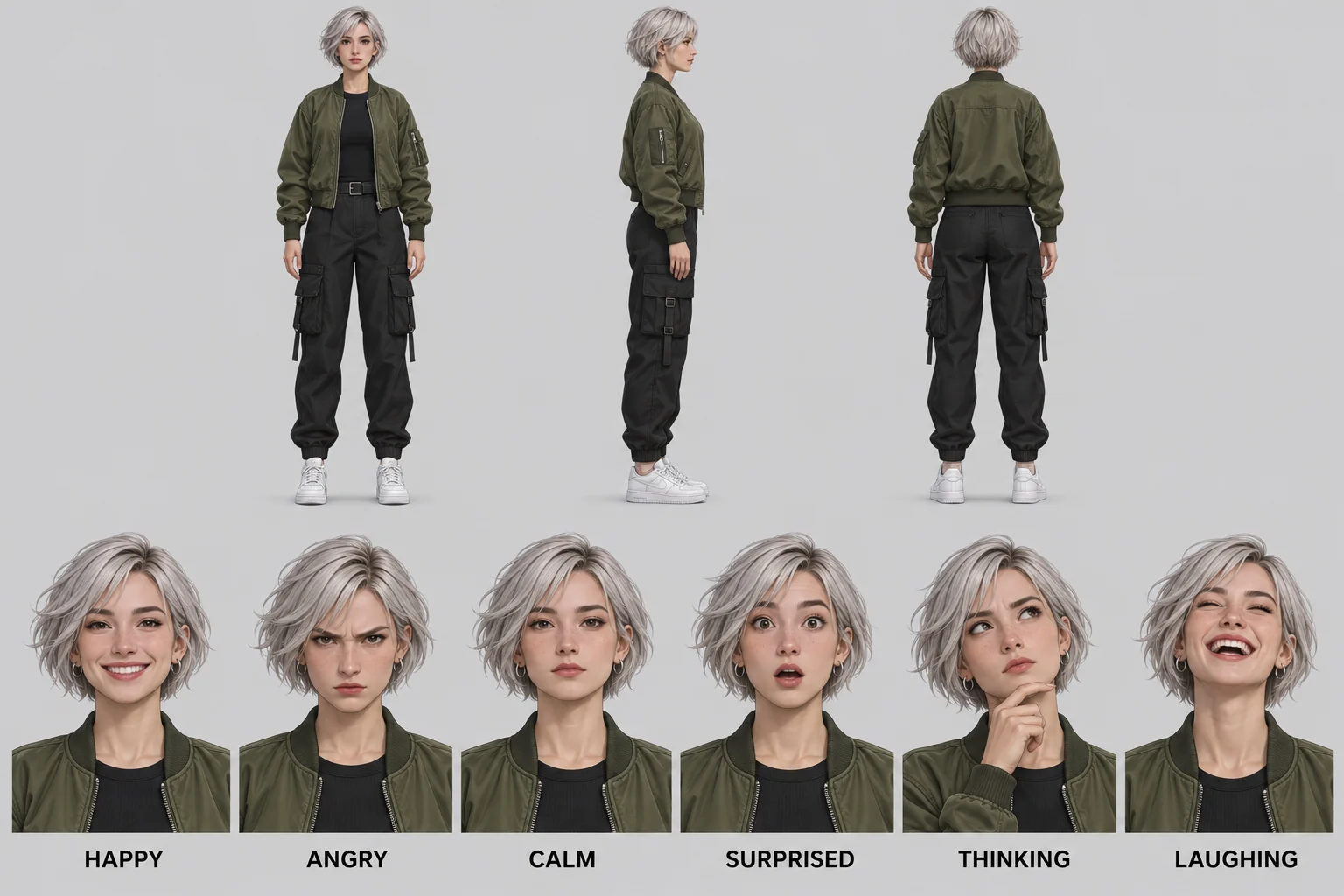
Character Reference Sheet (3 Views + 6 Labeled Expressions)

3D Whitebox & Photo Detail Reconstruction

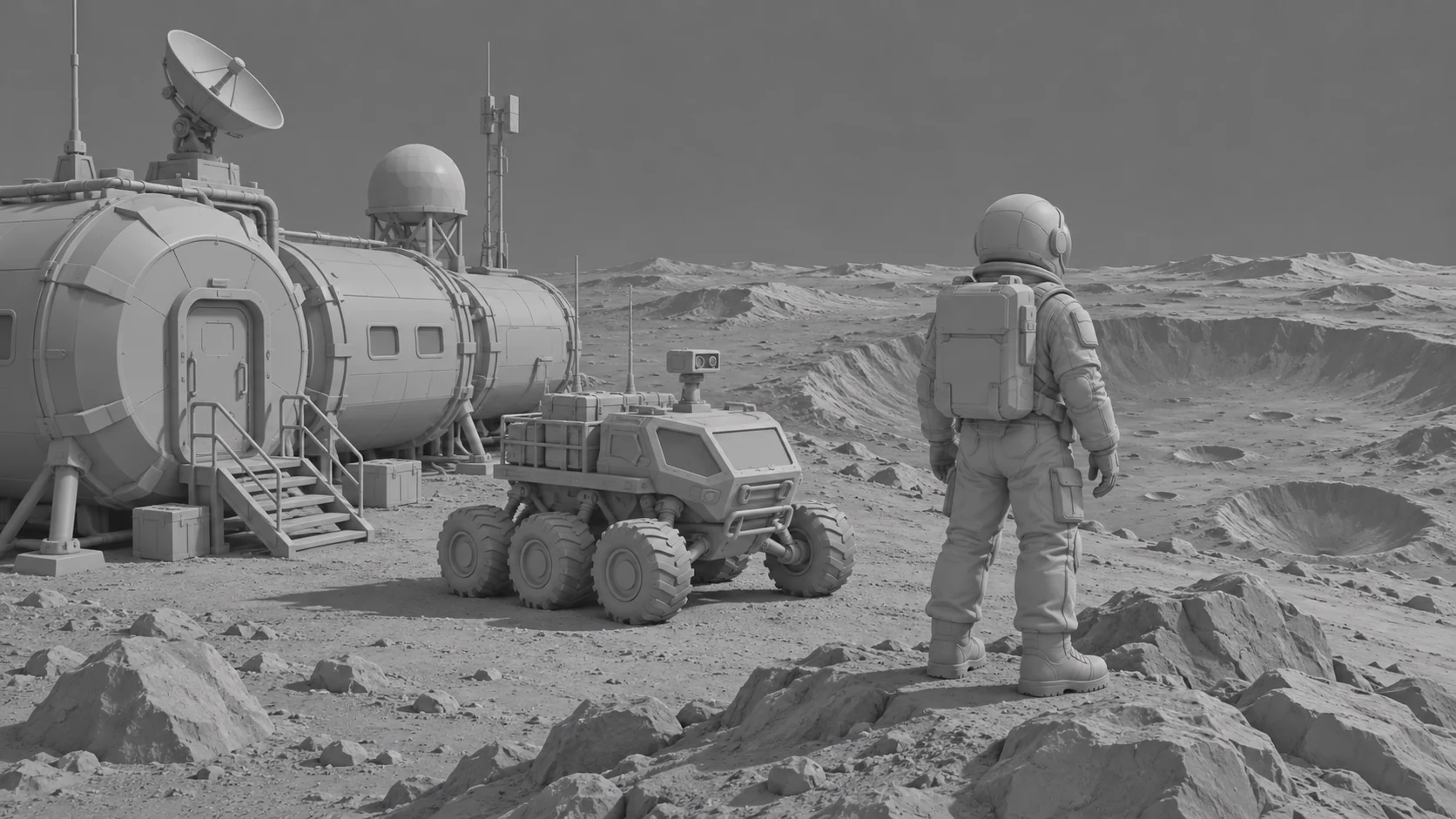
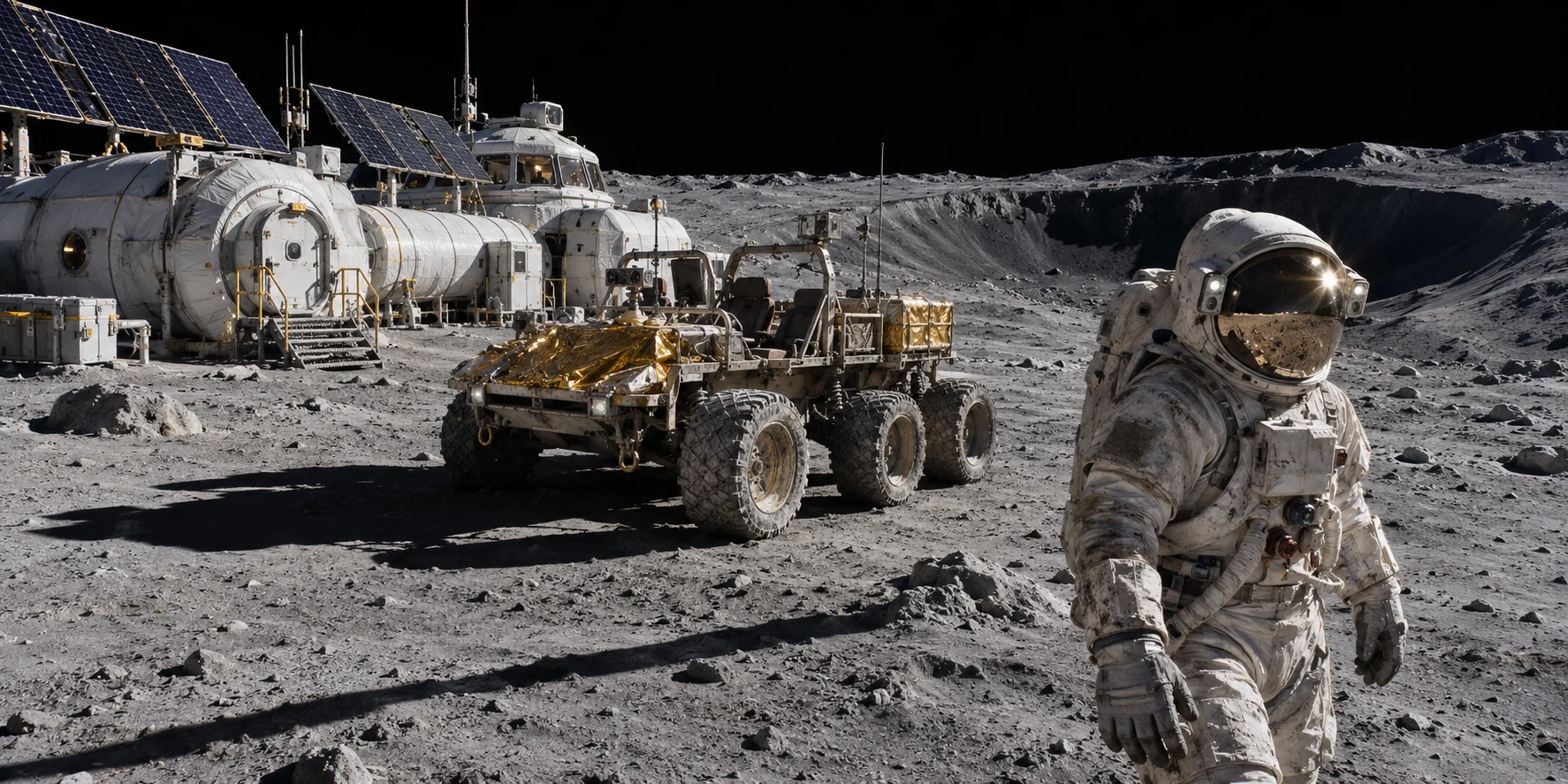
Turn untextured 3D clay renders, 2D maps or low-res drafts into finished 4K stills while preserving exact camera geometry.

Try H3 4K Detail Restorer
H3 4K Detail Restorer · ResultH3 4K Detail Restorer · Original

Multi-Reference Scene & Outfit Editing

Upload a base frame as <Picture 1> and up to three supporting references to swap garments, stage furniture, or preserve character identity across multiple camera angles.

Try MiniMax H3 Image Edit
Original
3D Whitebox → 70mm Film Still
3D Whitebox → 70mm Film StillCharacter Sheet (3 Views + Expressions)90° Knolling Flat-LayTwo-Color Risograph Poster

Tools for your photos

Each tool does one job. Upload a photo and get a finished result.

All tools

Built for High-Control Visual Workflows

Click any workflow to load its tested H3 Image prompt and settings directly in the studio.

How to Use MiniMax H3 Image Online

Four prompt rules from the official model card, ready in your browser.

Open H3 Image Studio
  1. 1. Name the medium or attach reference frames

    Open with the physical medium ("A documentary street photograph" or "A two-color risograph print"). When editing, click any uploaded slot badge to insert its reference tag.

  2. 2. Quote exact text & pick 2K or 4K (16MP)

    Put any sign or headline text inside "DOUBLE QUOTES" and leave out hype words like '8k' or 'masterpiece'. Review the exact credit cost before running.

  3. 3. Export or continue editing in My Creations

    Download your high-resolution output or re-open any finished frame as <Picture 1> for iterative reference editing.

MiniMax-H3-Image vs P-H3-Image Model Lineup

Both models are built on the 33.1B MiniMax-H3 multimodal backbone and run directly in your browser.

Browse models

H3 Image Credits & Studio Plans

Start with a one-time credit pack that never expires ($9.90 / $19.90 / $49.90) or a monthly studio plan. Every credit cost is shown before you generate.

Starter Pack

$9.90

For testing H3 Image prompts, character sheets & reference edits

  • 300 credits with each purchase or renewal
  • Full access to MiniMax-H3-Image (16MP) & P-H3-Image (8MP)
  • Multi-reference image editing (<Picture 1> to <Picture 4>) & private history
  • Commercial use rights & watermark-free 2K/4K downloads
  • One-time payment. Doesn't renew.

Creator PackMost popular

$19.90

Best value for multi-reference editing (<Picture 1>–<Picture 4>) & 4K stills

  • 700 credits with each purchase or renewal
  • Full access to MiniMax-H3-Image (16MP) & P-H3-Image (8MP)
  • Multi-reference image editing (<Picture 1> to <Picture 4>) & private history
  • Commercial use rights & watermark-free 2K/4K downloads
  • One-time payment. Doesn't renew.

Studio Pack

$49.90

For high-volume 16MP production, product staging & design teams

  • 2,000 credits with each purchase or renewal
  • Full access to MiniMax-H3-Image (16MP) & P-H3-Image (8MP)
  • Multi-reference image editing (<Picture 1> to <Picture 4>) & private history
  • Commercial use rights & watermark-free 2K/4K downloads
  • One-time payment. Doesn't renew.

MiniMax H3 Image & P-H3-Image FAQ

Specifications, <Picture N> multi-reference editing, local VRAM requirements and credit pricing.

Launch the MiniMax H3 Image Generator & Reference Editor

Skip the 135GB weight download. Start from a verified benchmark preset or upload your own reference frames in the workspace.

Start creatingTry H3 Image Edit