MiniMax H3 Image Edit
Transform 3D whiteboxes into film stills, swap outfits, or compose multiple references with MiniMax H3 Image Edit.
Your image
or drop a file or paste an image
PNG, JPG or WebP, up to 10 MB
No image? Try one of these
Style
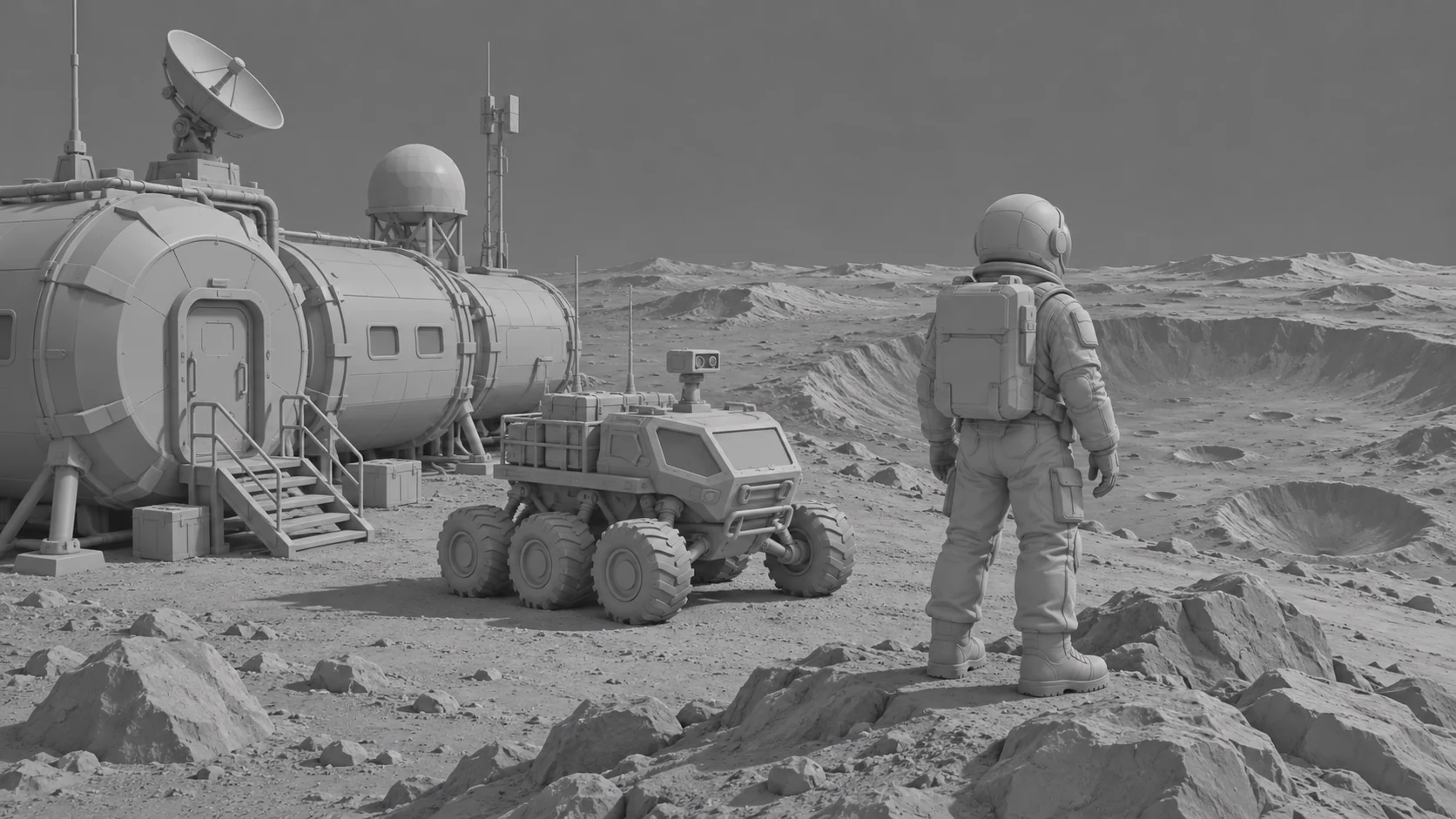
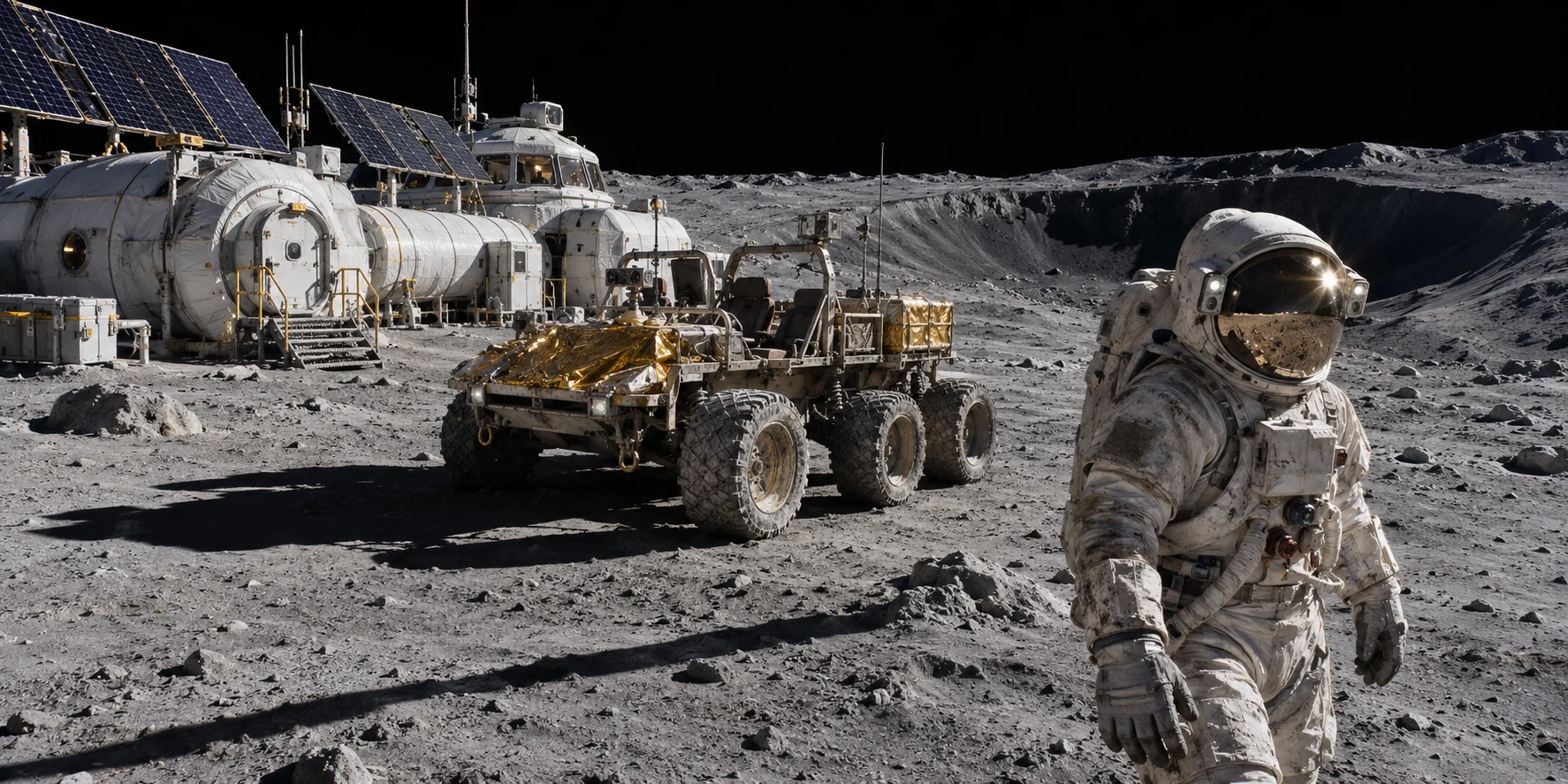 3D Whitebox → 70mm Film Still
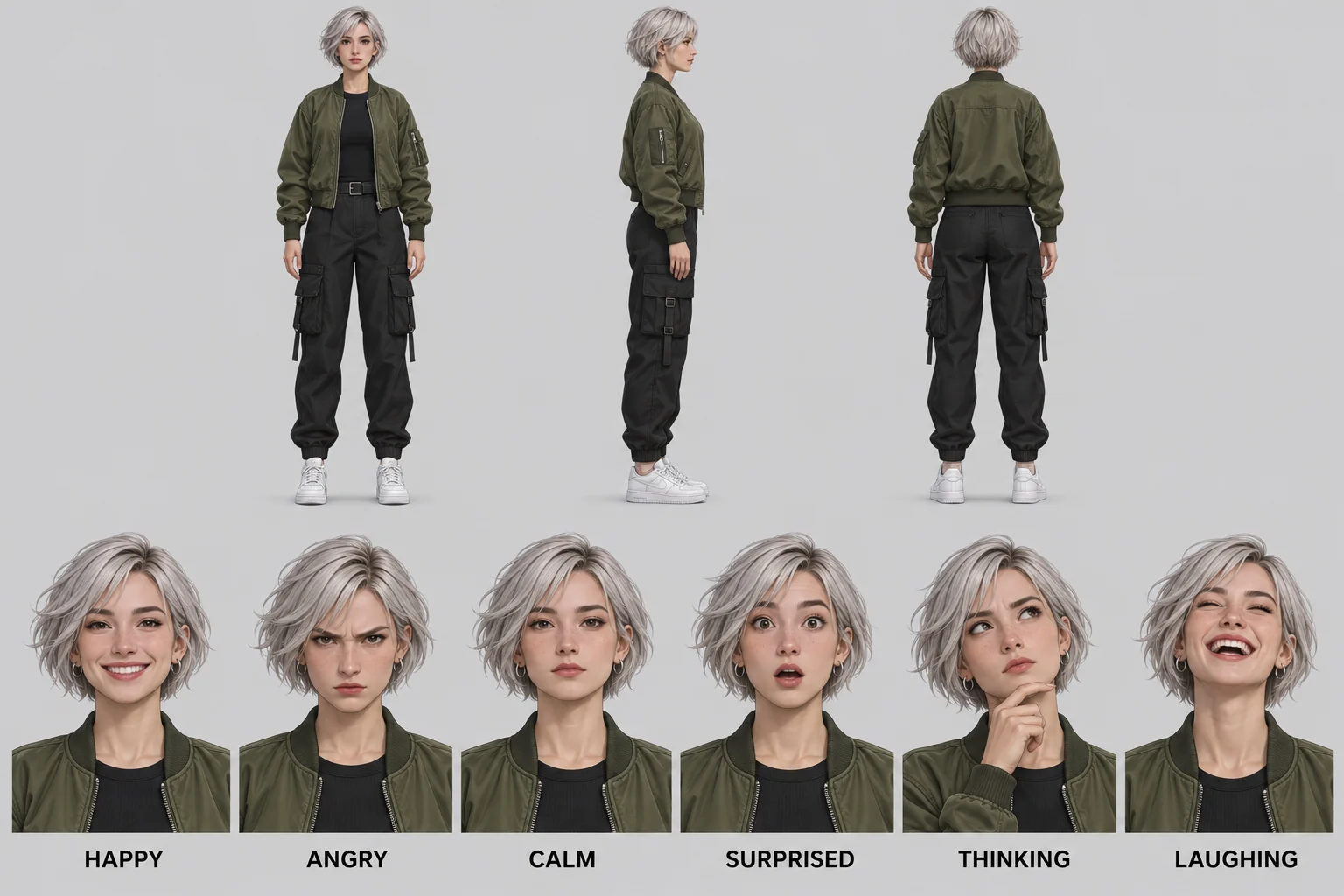 Character Sheet (3 Views + Expressions)
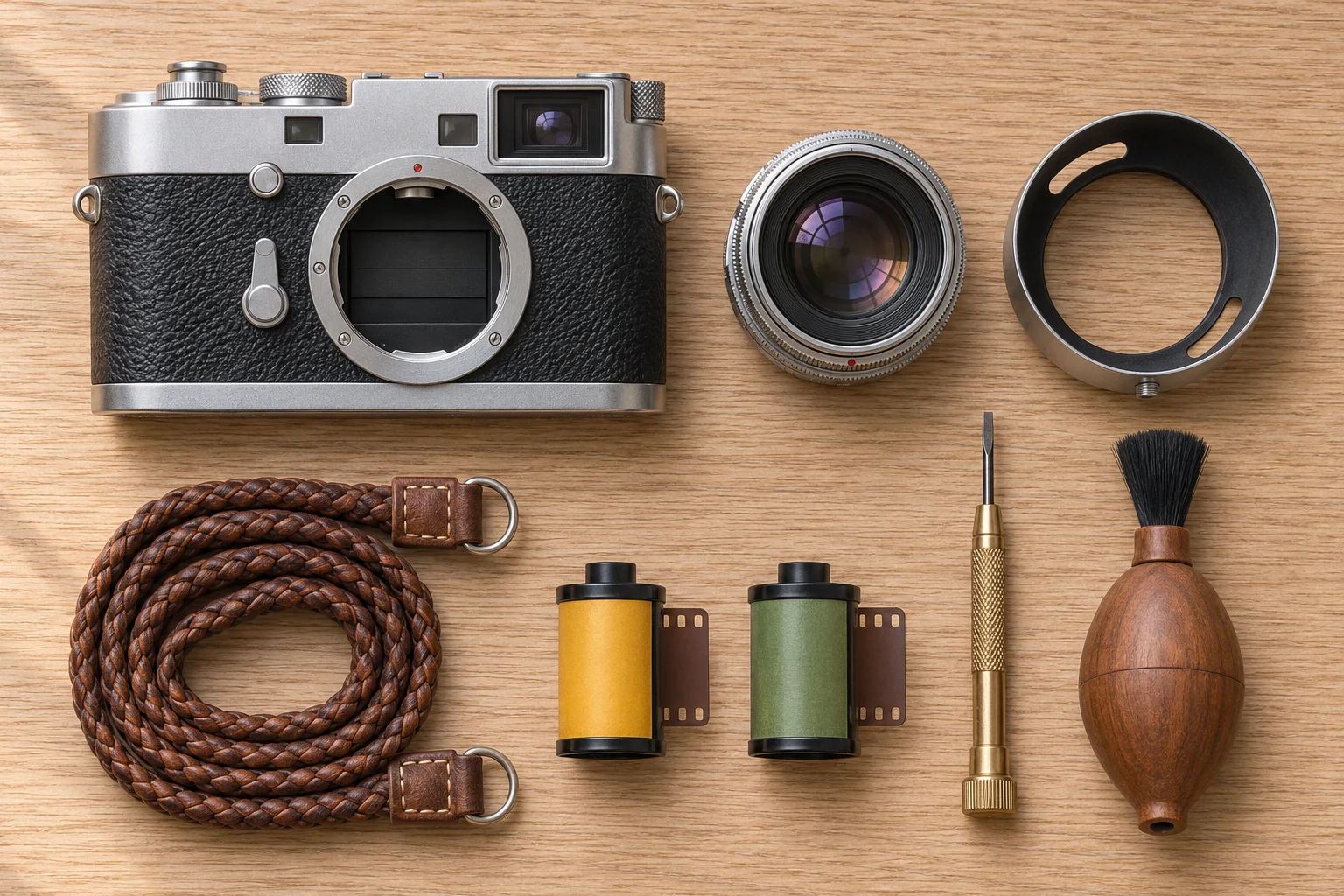 90° Knolling Flat-Lay
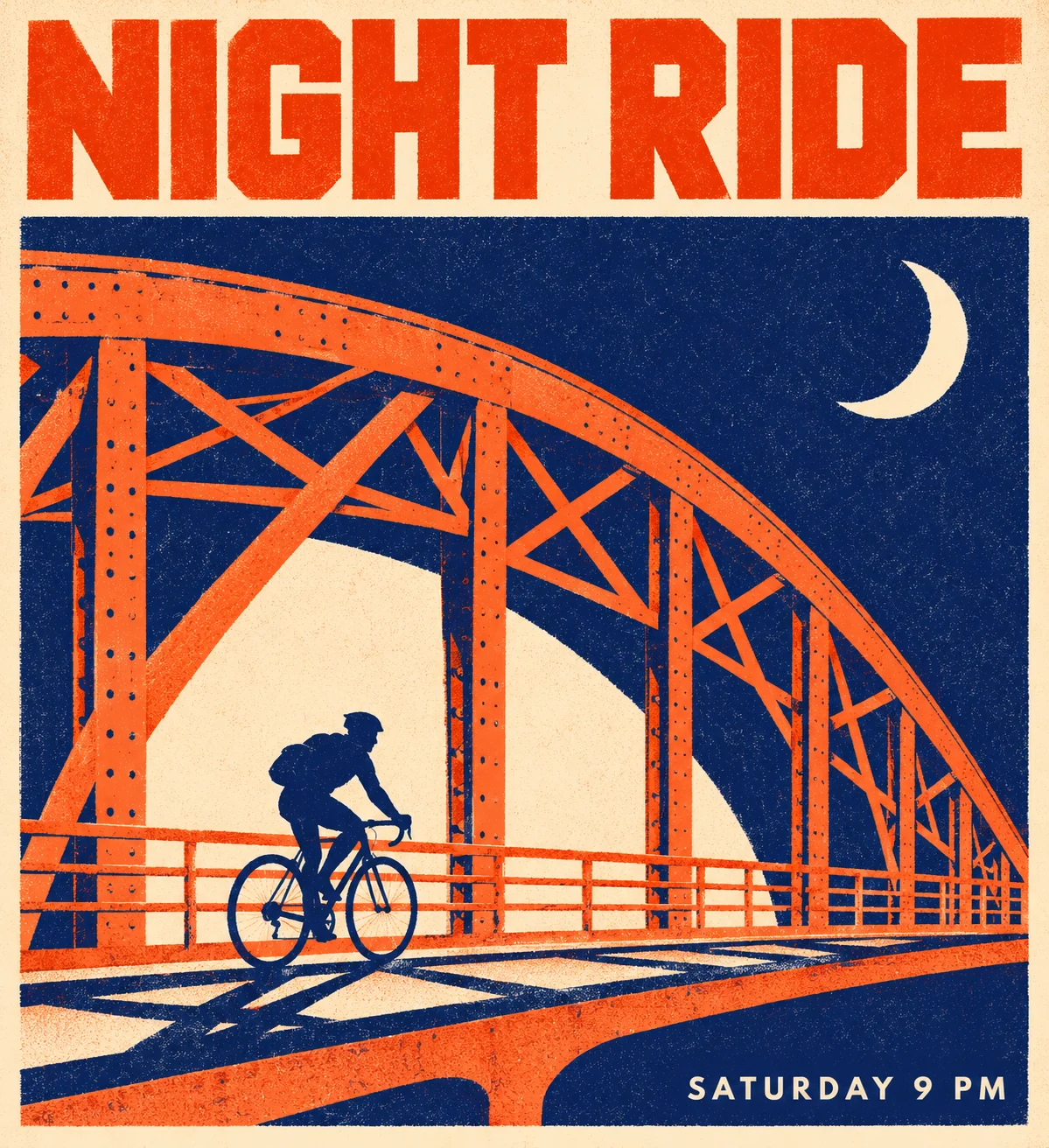 Two-Color Risograph Poster
How it works
Powered by the 33.1B single-stream diffusion transformer with automatic aspect-ratio preservation and structure-locked reference encoding.
Add a photo
Upload a PNG, JPG or WebP up to 10 MB, or start with a sample.
Pick a style
Each style is already tuned, so there is no prompt to write.
Compare and download
Download the result, or try another style on the same photo.
Geometry & Perspective Lock
Your uploaded file is encoded through the 16x spatial downsampling VAE so horizon lines, camera focal length, facial proportions and object silhouettes stay aligned from start to finish.
Zero Prompt Engineering Needed
Each preset applies a calibrated server-side instruction template tuned for 6-step and 8-step CFG-free checkpoints—converting untextured 3D clay renders, portraits or product shots in one click.
Private Cloud History & Refund Guarantee
Every finished 2K or 4K export is archived to your private Creations library. Credit costs are displayed upfront on the button, and any upstream provider failure automatically refunds your balance.